
Getting Started Window
 |
This page is under construction. This page or section is currently in the middle of an expansion or major revamping. However, you are welcome to assist in its construction by editing it as well. Please view the edit history should you wish to contact the person who placed this template. If this article has not been edited in several days please remove this template. Please don't delete this page unless the page hasn't been edited in several days. While actively editing, consider adding {{inuse}} to reduce edit conflicts. |
Main Components

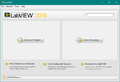
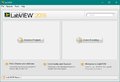
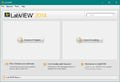
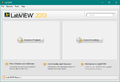
- List of Recently used Project Templates. Clicking the Create Project button opens the Project Template dialog box.
- List of Recently opened Projects and VIs. Clicking Open Existing but opens a file dialog to open any of the LabVIEW File Extensions.
- Search for terms in the local help file or on NI.com with internet connection.
- Tips and links to other resources
- Links to NI Tools Netowrk and the NI Fourms.
- Menu bar
Previous Versions
-
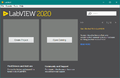 LabVIEW 2020
 -
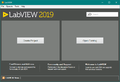 LabVIEW 2019
 -
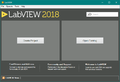 LabVIEW 2018
 -
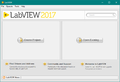 LabVIEW 2017
 -
 LabVIEW 2016
 -
 LabVIEW 2015
 -
 LabVIEW 2014
 -
 LabVIEW 2013
 -
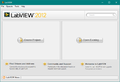 LabVIEW 2012
 -
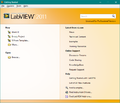 LabVIEW 2011
 -
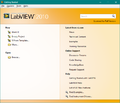 LabVIEW 2010
 -
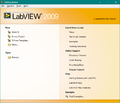 LabVIEW 2009
 -
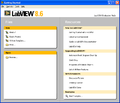 LabVIEW 8.6
 -
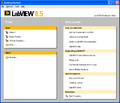 LabVIEW 8.5
 -
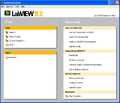 LabVIEW 8.2
 -
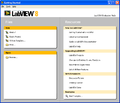 LabVIEW 8.0
 -
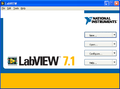 LabVIEW 7 Express
 -
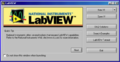 LabVIEW 6i
 -
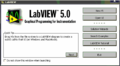 LabVIEW 5.0
History
 |
History information is needed. What changes have occurred over previous versions? |
| Version | Change(s) |
|---|---|

|
More info to come. |